Install & how to use
Tarot Opus
A quiet tarot journal. Draw a daily card, keep your readings, and learn the deck.
If you came here from the QR code or link on a shared reading image, this page shows how you can use Tarot Opus.
Where can I use it?
-
Android This device
In closed testing
Not open to everyone yet. When it is, a Google Play button appears here.
-
iPhone · iPad This device
Coming soon
Not on the App Store yet. When it is, an App Store button appears here.
-
Web This device
Coming soon
A web app you can use in the browser, without installing, is in preparation.
What can I do with it?
78 cards
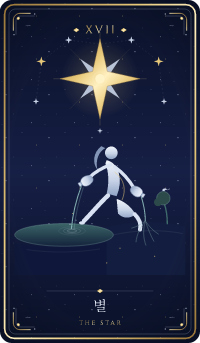
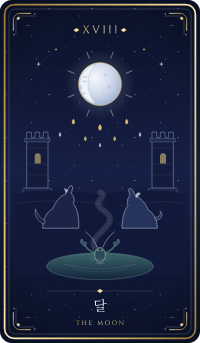
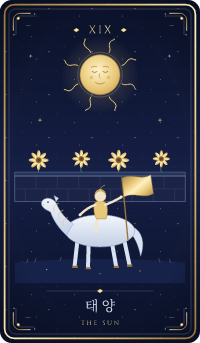
Browse all 78 Major and Minor Arcana of the Celestial Midnight deck in the library.
Topic readings
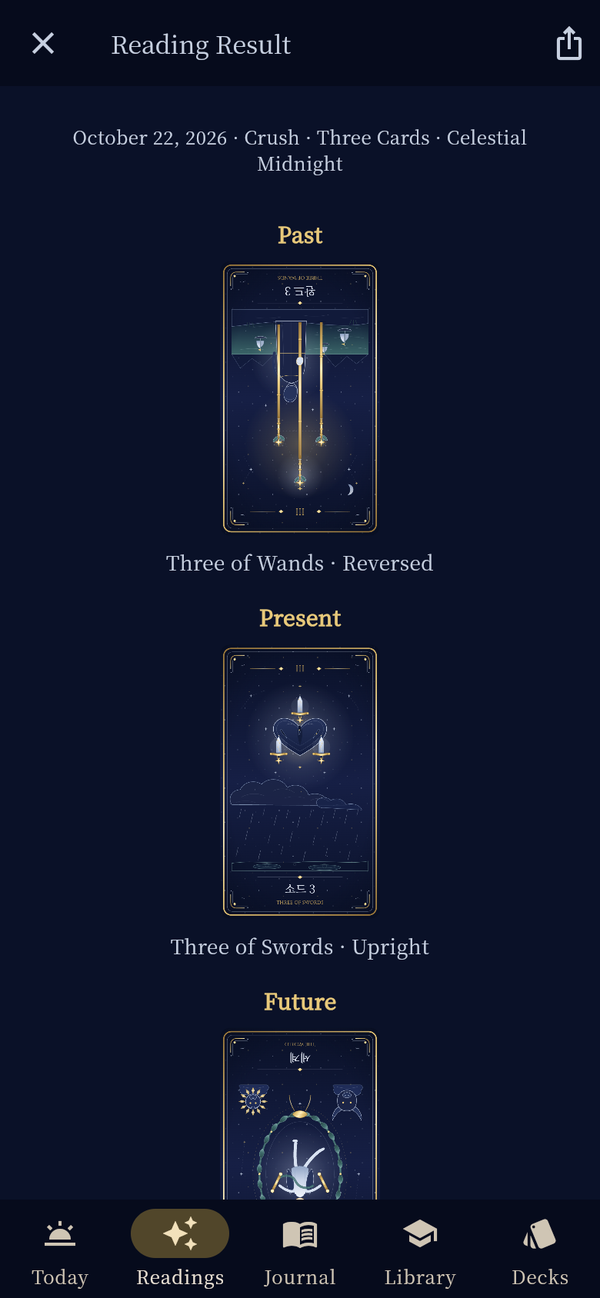
Choose a topic - Today's Flow, Crush, Reunion, Compatibility, Money, Work & Study, and Open Question - and lay out One Card or a three-card spread.
Journal
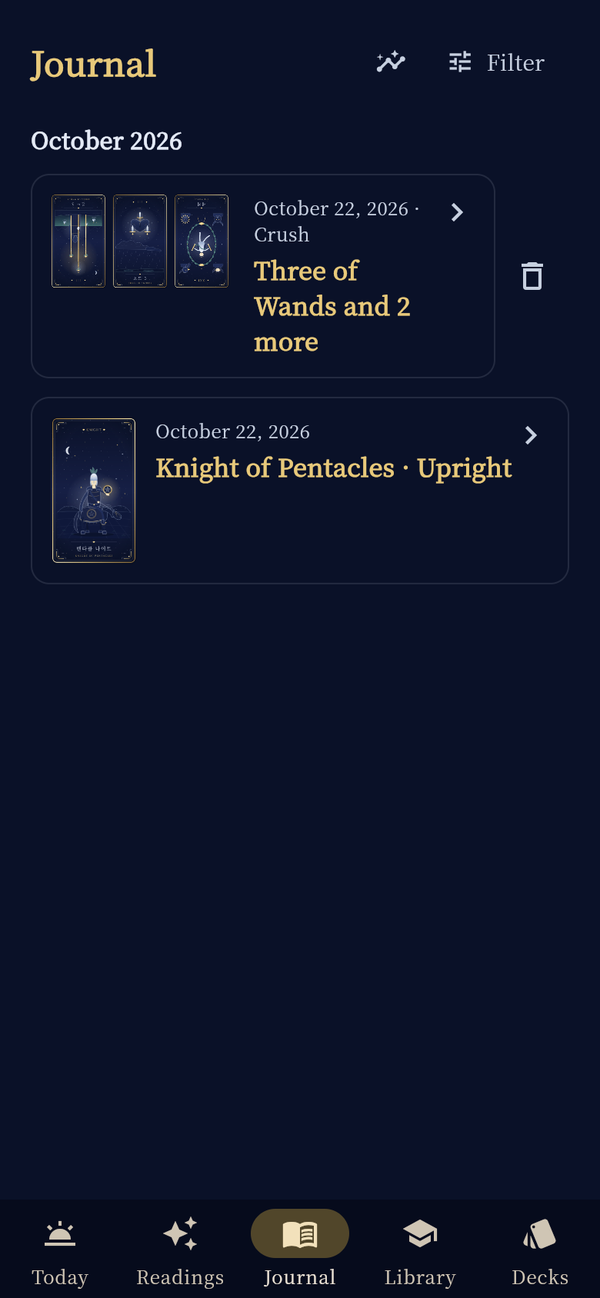
Your readings and daily cards stay in the journal, with notes and mood tags if you want them.
Image sharing
Share a reading as images with the card art and its interpretation. Your question, notes, and mood tags are never included.
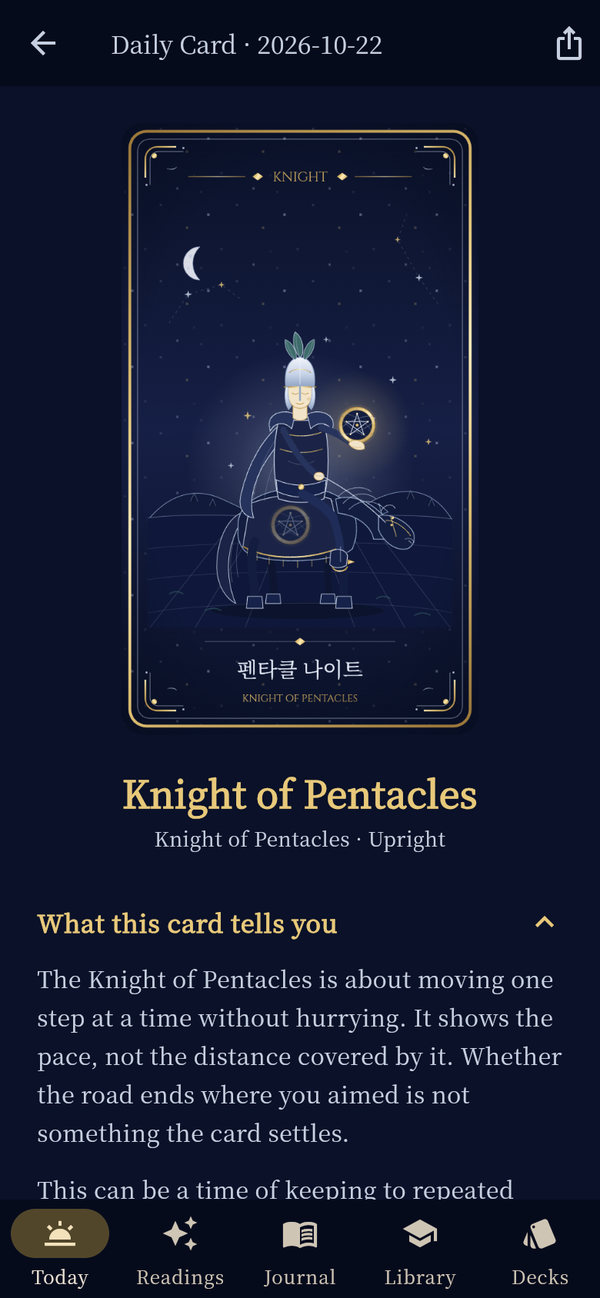
App screens
These screens show readings made from synthetic data, not anyone’s real questions or notes.
Questions
Can I see the sender’s reading from the QR code or link?
No. The QR code on a shared image only leads to this install & how-to page, and so does its link. The reading itself is only in the image you received.
What is in a shared image?
The card art and names, upright or reversed, the topic and spread, and the interpretation the app showed. Your question, notes, and mood tags are never included.
Does a tarot reading tell the future?
Tarot Opus offers readings for reflecting on where you are now. It does not predict or guarantee outcomes in relationships, money, or work.
Where are my records kept?
Your records are saved on this device and never sent to us. No account, no sign-up. If device backup is on, your operating system may include them in its backups.
Can I use it on iPhone or the web?
The current status is under “Where can I use it?” above. When a version opens to everyone, a button to get it appears on this page.